
 Kvs satish
Wi-Fi is one of those things we expect to “just work.” Yet if you’ve been an iPhone user for a while, you probably know the frustration of spotty connections, login loops at airports or hotels, or the dreaded spinning wheel when you need to get online quickly.
Apple’s upcoming iOS 26 update is shaping up to be a quiet hero for Wi-Fi stability. While the headlines often focus on flashy features, it’s the small under-the-hood changes that can make your iPhone feel smoother and less frustrating in daily life.
Let’s break down what’s coming, why it matters, and how these updates could finally ease some of those long-standing iPhone Wi-Fi headaches.
Here’s the problem…
For years, iOS updates have brought both excitement and headaches. Many users report that Wi-Fi issues flare up right after installing a new beta or major release.
The problems take different shapes:
- Your iPhone refuses to connect to a familiar network.
- Speeds crawl even when the signal looks strong.
- Captive networks at hotels or airports ask for the same sign-in details again and again.
- VPNs or privacy features quietly interfere with connections.
It doesn’t sound dramatic until you’re standing in a hotel lobby with three devices, trying to get them all online just to check your email.
How does iOS 26 tackle captive networks?
One of the smartest new features in iOS 26 is a fix for captive Wi-Fi networks. These are the ones you run into at hotels, cafes, and airports where you connect, but still need to fill in a login page. In the past, each of your Apple devices had to be set up individually. You’d log in on your iPhone, then repeat the whole process on your iPad or MacBook.
With iOS 26, those login details sync across devices. If you enter your hotel’s Wi-Fi credentials on your iPad, your iPhone will automatically know them. No extra steps, no repeated logins.
Analyst Max Weinbach spotted the feature in action during a hotel stay, when his iPhone asked if he wanted to use the login details already saved on his iPad. That small prompt could save travelers countless minutes of hassle.
When early testers spotted the new Wi-Fi sync feature, the reactions were instant. Here is a social media post that highlights it:
Oh cool iOS and iPadOS 26 synced the WiFi details from my iPad to my iPhone to connect to the WiFi pic.twitter.com/eGxkPRlTMa
— Max Weinbach (@MaxWinebach) June 30, 2025
That small post sparked dozens of replies from frequent flyers and business travelers who had felt the same pain for years.
Why will your iPhone feel faster?
Wi-Fi improvements aren’t the only change making life smoother. In the iOS 26 public beta, Apple has tweaked how apps open and close. The difference is measured in milliseconds, but the effect feels bigger.
Tap an app, and it springs to life instantly. Close it, and the animation snaps away faster. Technically, the app content itself doesn’t load faster, but the perception of speed matters. When you’re rushing to open the camera to capture a quick moment, those milliseconds count. More importantly, the whole phone feels more responsive.
A small adjustment, yes, but one that reshapes how fluid the iPhone feels day to day.
But what about the Wi-Fi bugs
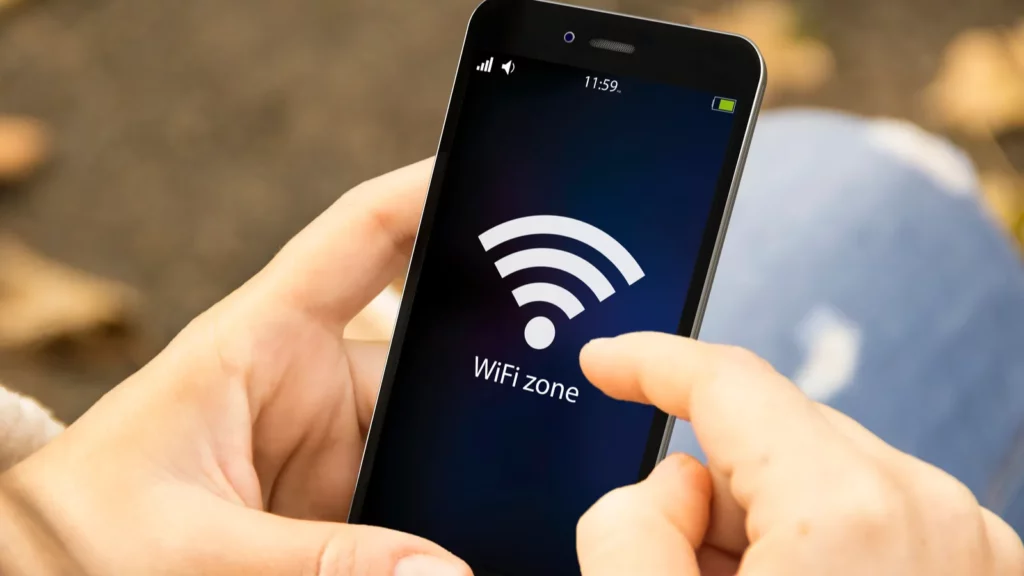
Now for the other side of the story. If you’ve been testing the iOS 26 beta, you might already know Wi-Fi hasn’t been perfectly smooth. Some users have reported connection drops, networks refusing to join, or slow performance that wasn’t there before.
These issues are fairly common in beta software. Apple uses these test versions to iron out quirks before the full release. Still, they can be frustrating when you just want your phone to work.
So what can you do if Wi-Fi misbehaves on iOS 26? Here are the tried-and-true fixes users have reported:
- Restart your iPhone and router.
- Forget the network and reconnect from scratch.
- Toggle Airplane Mode on and off.
- Turn off the Private Wi-Fi Address feature, which can interfere in betas.
- Temporarily disable VPNs or proxies.
- Reset network settings if nothing else works.
- Try changing your DNS to a reliable server like 9.9.9.9.
For some, these quick steps restore a stable connection right away. For others, the best option may be to wait for Apple’s next beta or the final release in September.
What if nothing works?
Advanced iOS recovery tools are available for persistent issues, allowing system repair without data loss. These tools are designed for situations where settings resets aren’t enough and the system itself needs a refresh.
Most people won’t need them, but it’s reassuring to know they exist. Especially if your iPhone feels stuck in a loop of broken connections.
What this means for everyday iPhone users
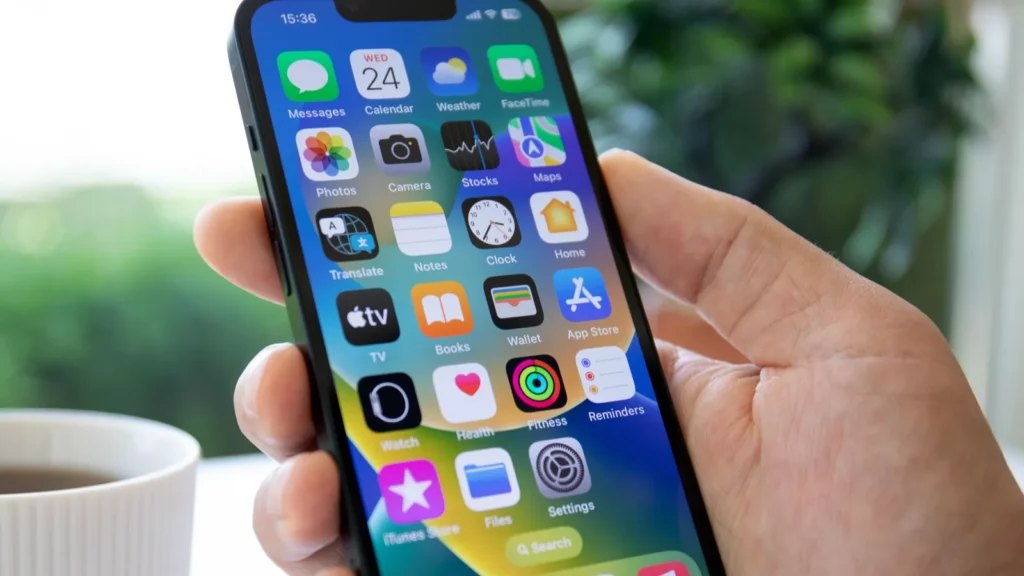
Taken together, iOS 26’s small upgrades paint a picture of an iPhone that feels more reliable and less frustrating.
- You connect once at a hotel, and all your devices follow.
- Apps feel faster and more responsive when you open them.
- Annoying Wi-Fi drops get fewer fixes, either from Apple’s patches or from small tricks you can try yourself.
None of these features will dominate Apple’s keynote slides. Yet they address the real friction points people face every day. And that’s exactly why they matter.
Taking a closer look at the action
For a visual sense of the changes, here is a YouTube video showing what iOS 26 beta feels like on his iPhone 16 Pro Max. The video walkthrough shows the snappier app animations in real time:
Where does this leave us?
Wi-Fi headaches have been part of iPhone life for too long. From stubborn captive networks to post-update glitches, it’s been a recurring theme every year.
- With iOS 26, Apple is quietly chipping away at the problem. Syncing Wi-Fi details across devices feels like one of those features that should have existed years ago. The faster app animations may not fix slow networks, but they add a sense of fluidity that makes everything feel smoother.
- No update is perfect. The betas show that bugs can still trip things up, and some users will keep tinkering with resets and settings. But the direction is clear. Apple is working to make your iPhone feel faster, simpler, and less likely to trip you up when you’re just trying to get online.
The real question is whether these changes are enough to finally end the Wi-Fi headaches iPhone users have lived with for so long, or will we still be reaching for quick fixes next year?
Recommended Posts:
This article was made with AI assistance and human editing.


