
 Kvs satish
Many gamers know the pain all too well; switching between console, PC, and handheld can feel like managing three different worlds. Games get lost in separate libraries, progress doesn’t carry over, and choosing what to play becomes a chore.
Xbox is now bringing everything under one roof with its cross-device library updates. Suddenly, games and play history follow you across platforms. Here’s how that change is smoothing out the experience and making gaming feel effortless. Let’s unpack it.
What is the aggregated gaming library doing now?
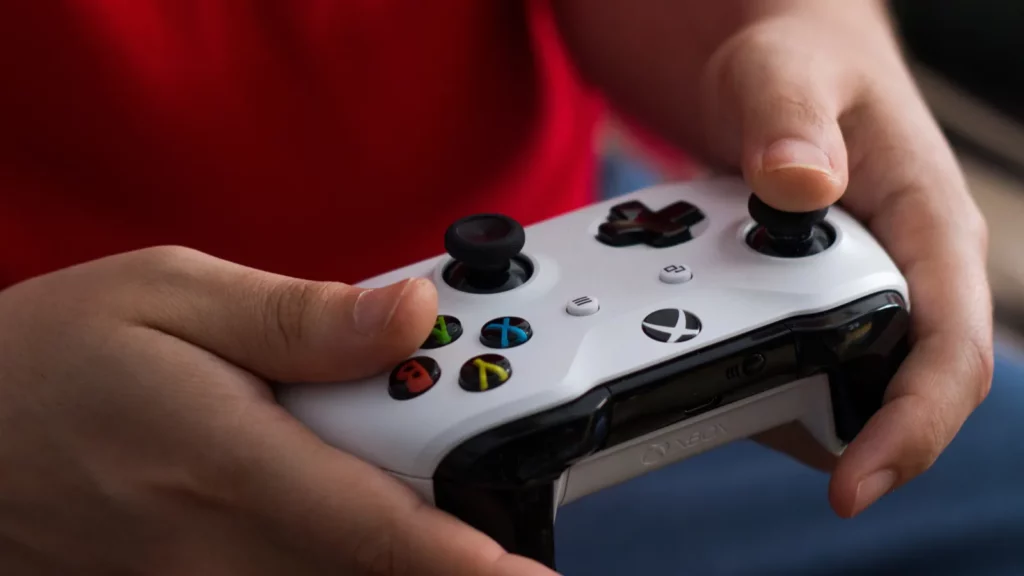
Xbox Insider users now have access to a unified library in the Xbox PC app, which combines games purchased, Game Pass titles, and installed games from other PC storefronts, including Steam and Battle.net.
It automatically pulls in games so they appear in one familiar library, whether on PC or handheld. That means fewer launchers to juggle and less time spent searching and more time actually playing.
How does play history now follow across devices?
Your recent games now travel with you, whether on console, PC, or Windows handheld.
A new “play history” tile in the “Jump back in” section lets any player pick up where they left off, across devices and even across cloud-playtimes. This gives gaming a sense of continuity that’s been rare until now.
Cloud-playable console games get center stage
Xbox now surfaces all cloud-playable console games in the PC app, Epic titles, exclusives, and everything in between. It even provides a handy “cloud playable” filter. No matter the platform, those exclusive console moments are easier to find and stream, trimming down library clutter.
Here’s a tweet that shows how Xbox Insider features are landing visually for players:
#XboxInsiders can look for a new feature on both consoles and the Xbox App on PC starting today! All of the details can be found at the blog post linked here: https://t.co/ylJG3kZceR
— Xbox Insider (@xboxinsider) July 21, 2025
Smarter filters for licenses, subscriptions, and expiry dates
The new aggregated library does more than merge storefronts. Early Insider feedback highlights new filtering options in the Xbox PC app, such as cloud-playable and Play Anywhere titles, helping players more easily navigate their library and track which games are available across devices.
For players juggling dozens of subscription titles alongside permanent purchases, these filters simplify decision-making. Instead of guessing whether a game will still be available next month, the Xbox app tells you upfront.
What does this mean in the real world?

Imagine jumping off your console after one session and instantly picking up the same game on PC or handheld, with everything synced.
That’s no longer imagination; it’s the new normal for Xbox ecosystem gaming. Even juggling different platforms no longer fragments progress or discovery. Instead, the library evolves with the gamer, not the hardware.
Leveraging Xbox Play Anywhere
Xbox Play Anywhere was the first attempt to unify console and PC libraries. It allowed players to buy once, share progress and DLC, and play on both platforms seamlessly.
Today’s cross-device library builds on that foundation. Instead of being limited to Play Anywhere titles, progress syncing and cross-play now extend across the entire ecosystem. That continuity is what many players always wanted, and it shows Microsoft is layering new features onto a proven base.
More tools to streamline your gaming life
Beyond the unified library and play history, Xbox has rolled out a few extras:
- Game Pass Ultimate members can stream over 250 games they already own directly from the PC app, no downloads required.
- The “My apps” tab brings third-party launchers like Battle.net and GOG Galaxy into the Xbox app interface, especially handy on Windows handhelds.
These steps turn the app into a one-stop gaming portal.
Microsoft Rewards is now in-app
One small but meaningful change is the addition of Microsoft Rewards directly in the Xbox PC app. Players can now track quests, see how many points they’ve earned, and redeem rewards right within the app.
This means achievements and daily tasks feel more connected to everyday play rather than being buried in separate menus. For players who already build habits around weekly quests, this integration makes earning points easier and keeps the incentive system tightly linked to the gaming library itself.
Where the ecosystem is heading next….
Microsoft is clearly doubling down on its vision of Xbox as a platform, not just a console. Cloud integration, shared libraries, and hardware like the ROG Xbox Ally hint at an ecosystem primed for the next generation.
Even Play Anywhere games reinforce that tool-agnostic future. Expect deeper storefront integration, cross-platform achievements, and perhaps even PC streaming via next-gen Xbox, as sources say.
Want to watch these updates work in real time? Here’s a video that walks through how the cross-device library and play history are organized and surfacing in the Xbox PC app:
Global rollout and availability caveats
It’s worth noting that many of these features are still in testing under the Xbox Insider program. Not every region has equal access to cloud streaming or cross-device syncing yet.
Some countries are still waiting for the Xbox Cloud Gaming rollout, and even in supported markets, streaming owned games can be limited.
These caveats don’t undermine the vision, but they remind players that global parity may take time.
Looking ahead: what does this change unlock?
This isn’t just a technical update. It’s a reset for how gamers discover and return to their games, cleaning up complexity and making everything follow the player, not the platform.
- Your full library travels with your progress
- Cloud gameplay doesn’t get lost behind hidden tabs
- The Xbox app becomes the gateway, not just another launcher
Bottom line? Xbox’s cross-device library is reshaping the gaming experience into something seamless, flexible, and fundamentally more connected, ready to meet players wherever they choose to play.
Recommended Articles:
This article was made with AI assistance and human editing.


