
 Kvs satish
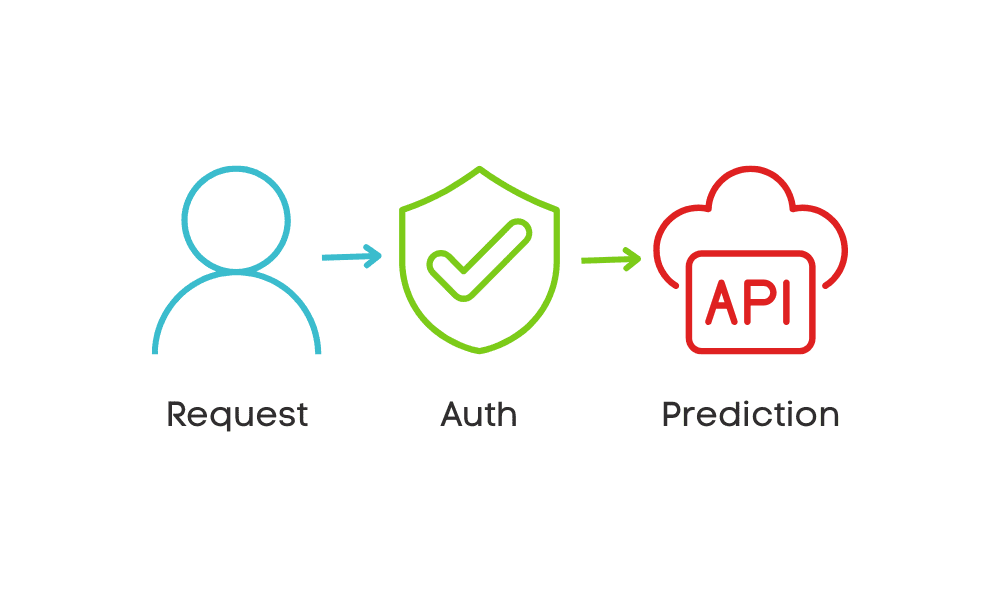
Securing FastAPI Endpoints for MLOps: An Authentication Guide
Image by Author
Introduction
In today’s AI world, data scientists are not just focused on training and optimizing machine learning models. Companies are increasingly seeking data scientists who possess skills in machine learning operations (MLOps), which includes building REST APIs for model inference and deploying these models to the cloud. While creating a simple API can be effective for testing purposes, deploying a model in a production environment requires a more robust approach, particularly in terms of security.
In this tutorial, we will build a straightforward machine learning application using FastAPI. Then, we will guide you on how to set up authentication for the same application, ensuring that only users with the correct token can access the model to generate predictions.
1. Setting Up A Project
We will be building a “wine classifier”, and to get started, we will first create a Python virtual environment and install the necessary Python libraries for training and serving the model.
|
python –m venv venv source venv/bin/activate # Windows: venv\Scripts\activate pip install fastapi uvicorn scikit–learn pandas joblib python–dotenv |
Next, we will create a train_model.py file and write a training script to load the toy dataset from Scikit-learn, train it using a random forest classifier, and save the trained model in the root directory.
|
from sklearn.datasets import load_wine from sklearn.ensemble import RandomForestClassifier import joblib
X, y = load_wine(return_X_y=True, as_frame=False) model = RandomForestClassifier(n_estimators=200, random_state=42).fit(X, y) joblib.dump(model, “wine_clf.joblib”) |
Run the training script:
2. Building a Simple FastAPI App
Now, we will create a main.py file to build a REST API for model inference. This app will load the trained model, define a /predict endpoint, and handle incoming requests for predictions. The /predict endpoint accepts user input, passes it through the model, and returns the predicted class name.
|
1 2 3 4 5 6 7 8 9 10 11 12 13 14 15 16 17 18 19 20 21 22 23 24 25 |
import os from typing import List, Optional import joblib import uvicorn from dotenv import load_dotenv from fastapi import Depends, FastAPI, HTTPException, Security, status from fastapi.security.api_key import APIKeyHeader from pydantic import BaseModel
app = FastAPI(title=“Secured Wine Classifier”) MODEL = joblib.load(“wine_clf.joblib”) CLASS_NAMES = [“Cultivar-0”, “Cultivar-1”, “Cultivar-2”]
class WineRequest(BaseModel): data: List[List[float]] # each inner list: 13 numeric features class WineResponse(BaseModel): predictions: List[str]
@app.post(“/predict”, response_model=WineResponse) async def predict(payload: WineRequest): preds = MODEL.predict(payload.data) labels = [CLASS_NAMES[i] for i in preds] return WineResponse(predictions=labels) if __name__ == “__main__”: uvicorn.run(“main:app”, host=“localhost”, port=8000, reload=True) |
Run the FastAPI app:
You can now test the /predict endpoint using a curl command:
|
curl –X POST http://localhost:8000/predict \ –H “Content-Type: application/json” \ –d ‘{“data”: [[14.23,1.71,2.43,15.6,127,2.80,3.06,0.28,2.29,5.64,1.04,3.92,1065]]}’ |
Response:
|
{“predictions”:[“Cultivar-0”]} |
As you can see, the endpoint is currently unsecured, meaning anyone can access it, which is not ideal for production.
3. Setting Up the API Key and Custom Header
To secure the API, we will implement authentication using an API key. First, create a .env file and add the API key:
Next, update the main.py file to include the API key logic. Add the following code after initializing the CLASS_NAMES variable:
|
load_dotenv() API_KEY = os.getenv(“API_KEY”) API_KEY_NAME = “X-API-Key” api_key_header = APIKeyHeader(name=API_KEY_NAME, auto_error=False) |
4. Implementing the Authentication Dependency
In this step, we will implement an authentication dependency to validate the API key provided by the client. This ensures that only authorized users with a valid API key can access the endpoints.
|
async def get_api_key(api_key: Optional[str] = Security(api_key_header)): if api_key == API_KEY: return api_key raise HTTPException( status_code=status.HTTP_401_UNAUTHORIZED, detail=“Invalid API Key”, headers={“WWW-Authenticate”: “Bearer”}, ) |
5. Protecting the Endpoints with Authentication
Once the authentication dependency is defined, we can use it to protect the /predict endpoint. By adding the dependency to the endpoint, we ensure that only requests with a valid API key can access the prediction service.
Here’s the updated /predict endpoint with the authentication dependency:
|
@app.post(“/predict”, response_model=WineResponse, dependencies=[Depends(get_api_key)]) async def predict(payload: WineRequest): preds = MODEL.predict(payload.data) labels = [CLASS_NAMES[i] for i in preds] return WineResponse(predictions=labels)
if __name__ == “__main__”: uvicorn.run(“main:app”, host=“localhost”, port=8000, reload=True) |
After updating the endpoint, run the application again:
You should see the following output in the terminal:
|
INFO: Will watch for changes in these directories: [‘C:\\Repository\\GitHub\\securing-fastapi-endpoints’] INFO: Uvicorn running on http://localhost:8000 (Press CTRL+C to quit) INFO: Started reloader process [8372] using StatReload INFO: Started server process [19020] INFO: Waiting for application startup. INFO: Application startup complete. |
Swagger UI is automatically generated by FastAPI and provides an interactive interface to explore and test your API endpoints. Once your FastAPI application is running, you can access the Swagger UI by navigating to the following URL in your browser: http://localhost:8000/docs

6. Testing the Secured Endpoints
In this section, we will test the /predict endpoint with various cases to verify that the API key authentication is working correctly. This includes testing for missing API keys, invalid API keys, and valid API keys.
Testing Without an API Key
In this test, we will send a request to the /predict endpoint without providing the X-API-Key header.
|
curl –X POST http://localhost:8000/predict \ –H “Content-Type: application/json” \ –d ‘{“data”: [[14.23,1.71,2.43,15.6,127,2.80,3.06,0.28,2.29,5.64,1.04,3.92,1065]]}’ |
Response:
|
{“detail”:“Invalid API Key”} |
This confirms that the endpoint correctly denies access when no API key is provided.
Testing With an Incorrect API Key
Next, we will test the endpoint by providing an incorrect API key in the X-API-Key header.
|
curl –X POST http://localhost:8000/predict \ –H “Content-Type: application/json” \ –H “X-API-Key: abid11111” \ –d ‘{“data”: [[14.23,1.71,2.43,15.6,127,2.80,3.06,0.28,2.29,5.64,1.04,3.92,1065]]}’ |
Response:
|
{“detail”:“Invalid API Key”} |
This confirms that the endpoint correctly denies access when an invalid API key is provided.
Testing With a Correct API Key
Finally, we will test the endpoint by providing the correct API key in the X-API-Key header.
|
curl –X POST http://localhost:8000/predict \ –H “Content-Type: application/json” \ –H “X-API-Key: abid1234” \ –d ‘{“data”: [[14.23,1.71,2.43,15.6,127,2.80,3.06,0.28,2.29,5.64,1.04,3.92,1065]]}’ |
Response:
|
{“predictions”:[“Cultivar-0”]} |
This confirms that the endpoint correctly processes requests when a valid API key is provided.
Final Thoughts
We have successfully trained the model and served it by creating a simple FastAPI application. Additionally, we enhanced the application by implementing authentication, showcasing how security can be integrated into a web API.
FastAPI also includes built-in security features for efficient user management and role-based OAuth2 authentication systems. Its simplicity makes it a great choice for building secure and scalable web applications.


